Know what you eat.
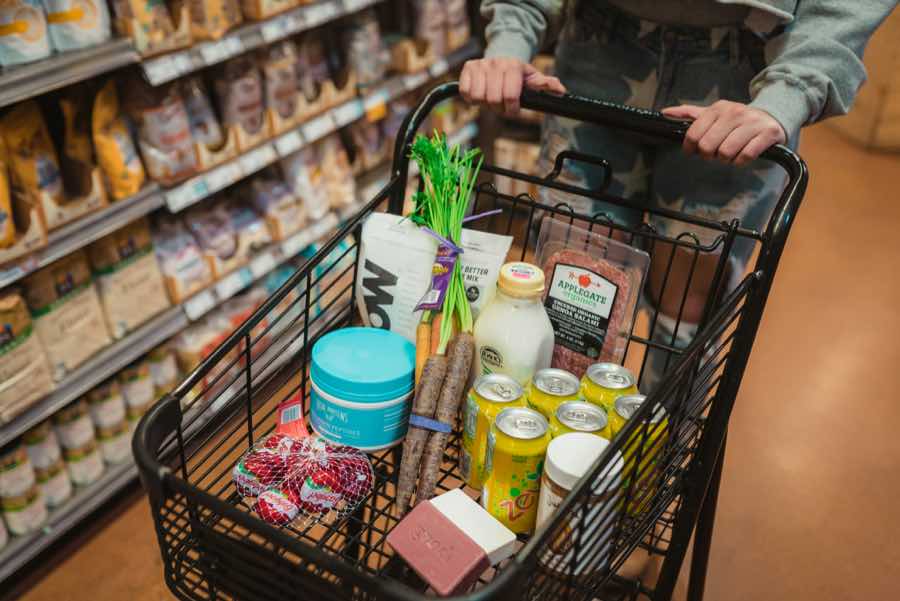
Scan a barcode or an ingredient list. Understand additives and nutrition before a product goes into your basket.
A look inside
From explanation to ingredient.
Open your personal analysis. Tap an additive in the explanation to see its overview.
Browse scored productsThe real Nutly interface in Ukrainian. The product, profile and analysis result are demonstration data.
Read the video description
A demo product scores 94 out of 100. Tapping “For you” opens a sample personal analysis for a profile with high blood pressure. The explanation references 1.2 g of salt per 100 g. Tapping E415 jumps to xanthan gum and opens its overview. The overview can be collapsed and opened again. These are real app interactions with a demonstration product, profile and analysis.
Scan the product
Point the camera at a barcode. Photograph the label when data is missing.
Read the ingredients
A score, additives and nutrition, with explanations in one place.
Choose with context
Check the actual label. Save the result or share it.
The score shows its work.
How the score works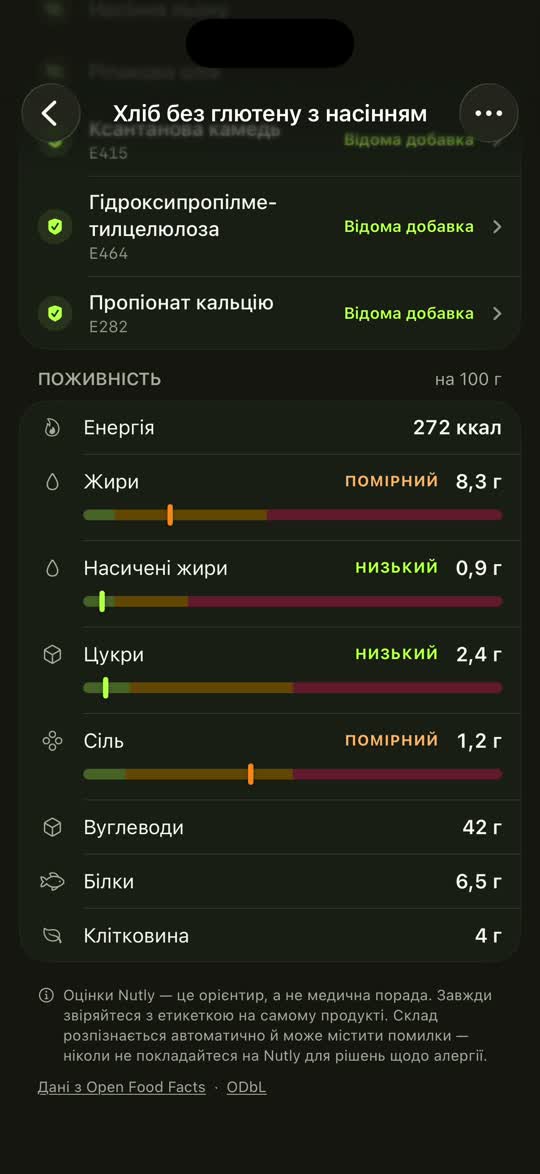
Sources behind the additives
Available EFSA and PRO-E sources open from the additive overview. The score belongs to Nutly, not EFSA.
Reasons behind the number
Additives, ingredients and nutrition have separate explanations. See what affected the score and how it was calculated.
Honest about the unknowns
Incomplete data and uncertain recognition are marked. A score cannot guarantee safety: portions, frequency and your circumstances matter too.
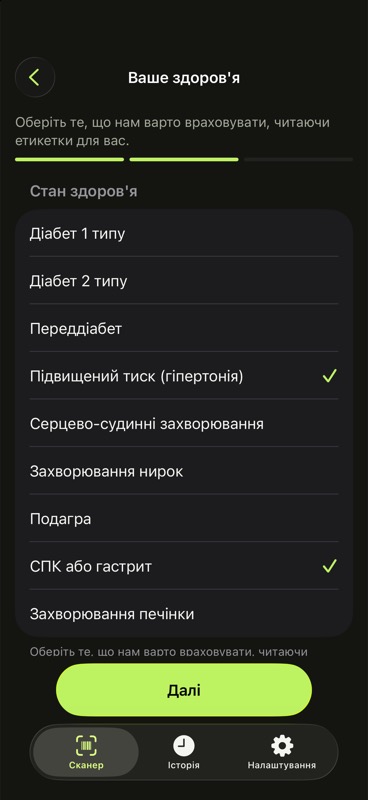
Your shopping. Your context.
Optionally add allergies and conditions to your profile. For products with complete data, Nutly gives separate personal explanations. They do not replace checking the label or medical advice.
Send the product, not a screenshot
Share a link to the score and explanations. It opens in a browser without installing the app.
Nutly does not store photos
Extracted product data is saved for scoring. The privacy policy explains how AI providers may retain uploaded photos.
A profile you control
Your health profile is encrypted at rest. You can delete it in settings.
Analytics are your choice
Analytics are off until you turn them on.
Start with your next grocery shop.
Try Nutly on your own shopping. Choose Plus when you want to check more products, more often.
Start free
10products / week
- 10 different barcode products per week
- 2 label-photo attempts / week
- 2 personal-analysis attempts / week
Nutly Plus
100products / week
- 100 different barcode products per week
- 50 label-photo attempts per month
- 50 personal-analysis attempts per month
Terms and allowances
Saved products, scores, additives and history remain available without a subscription. Reopening them uses no allowance.
Monthly or annual subscription. The store shows the exact price, currency, full charge and any trial terms in the app before purchase.
Barcodes reset Monday; Plus AI allowances reset on the first of each month, at 00:00 UTC. Unused allowance does not roll over.
Photos that can't be read don't count, up to 10 a day. Analysis attempts count even when processing fails.
The updated allowances apply to all active Plus subscriptions. Earlier promotional bonuses no longer apply.
Check it. Then basket it.